What temperature and settings keep mining hardware running longest?
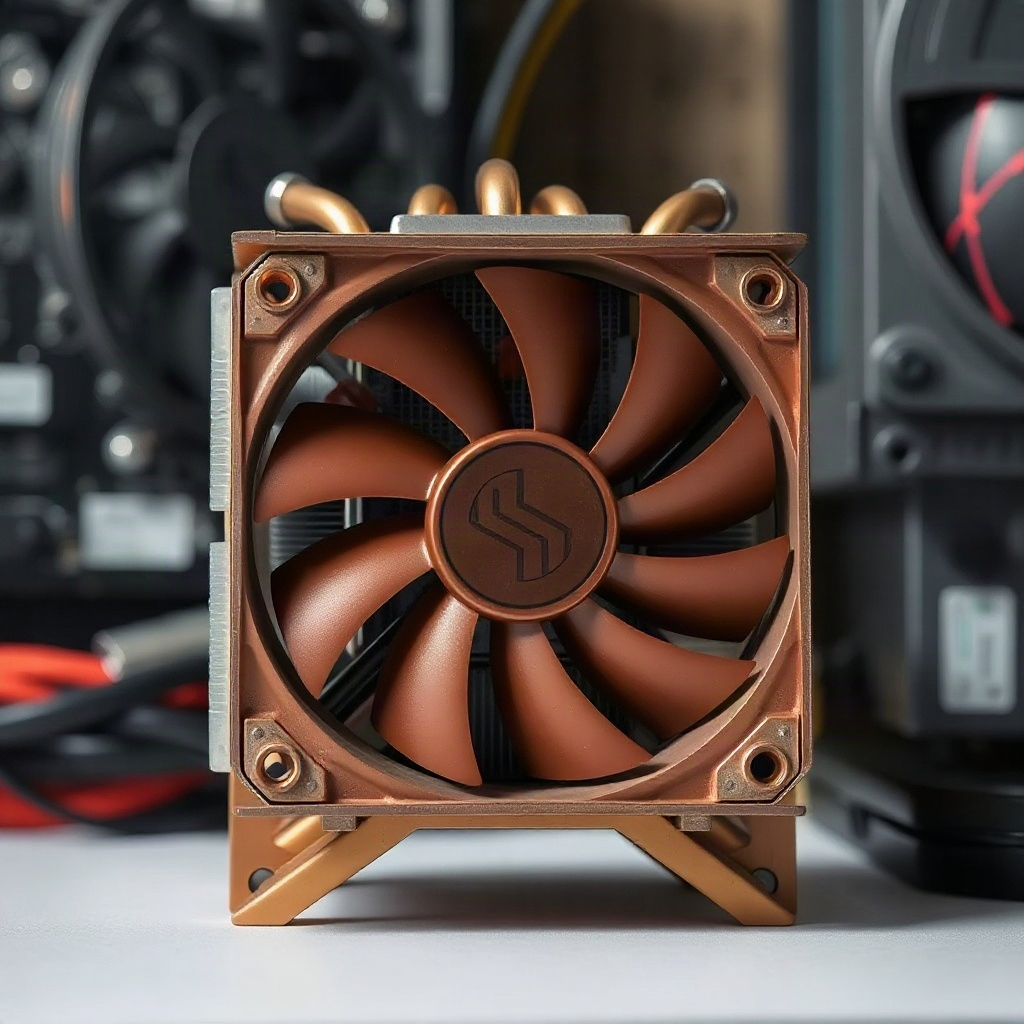
Safe temperature ranges
GPUs generally run safely up to 80°C continuously. Above 85°C, lifespan drops noticeably. CPUs have similar limits. Thermal throttling—automatic speed reduction—kicks in when hardware gets too hot, reducing hashrate and defeating the purpose of pushing harder. Keep ambient temperatures reasonable (under 25°C if possible) and airflow adequate.
Power settings matter more than temperature
Reducing power draw (undervolting) with minimal hashrate loss extends lifespan more than any cooling. Many miners lower voltage by 50–100mV and maintain hashrate, cutting power consumption 20–30%. This reduces heat and electricity costs simultaneously. Test gradually—unstable settings cause crashes and data corruption.
Aging and degradation
Even in perfect conditions, hardware degrades. Capacitors dry out, solder joints crack from thermal cycles. Mining hardware typically loses 5–15% hashrate annually from aging alone. Plan for replacement, don't expect hardware from 5 years ago to perform like new.
Monitoring matters
Check temperatures daily initially. If fans run constantly at max speed, cooling is insufficient—add ventilation or reduce mining intensity. Automate shutdowns at high temperatures to prevent catastrophic failure.